
Boat Race with 99 Engines Training and Power Calculator
Last updated:
Start at the lobby treadmills, improve your training setup, and move up as you reach each Power requirement. Use the calculator to estimate how much training remains before your next unlock.
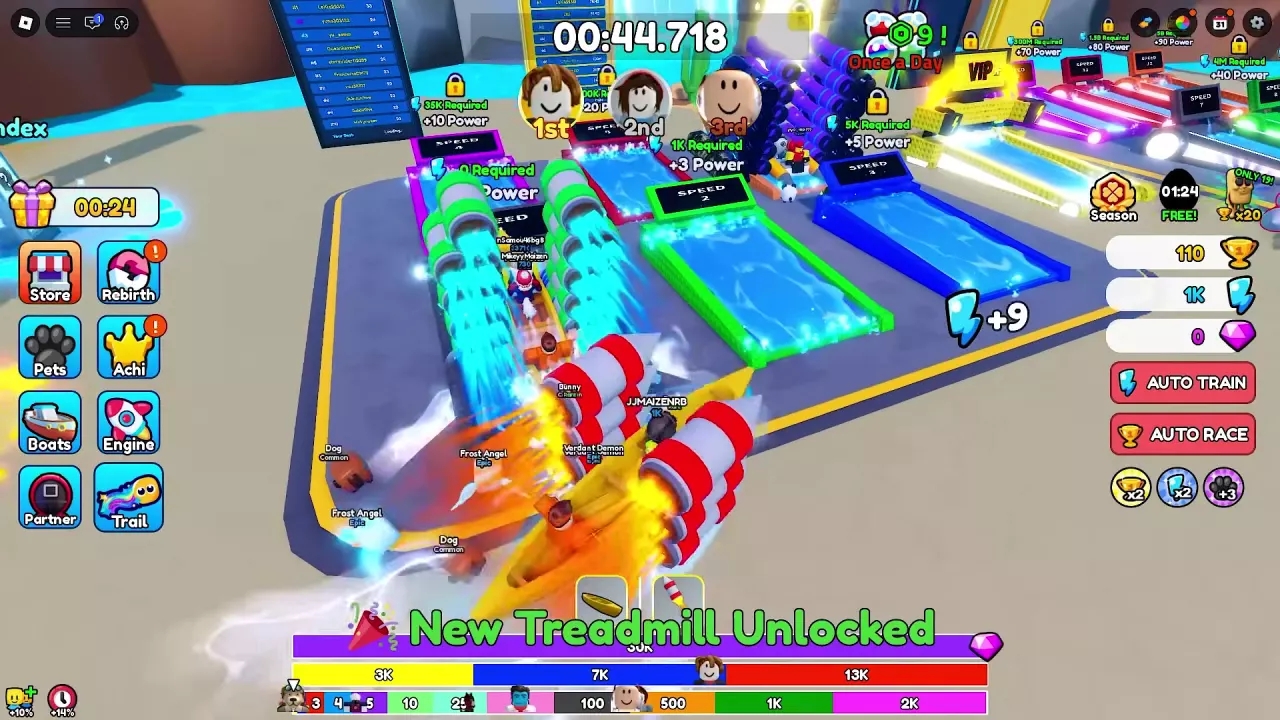
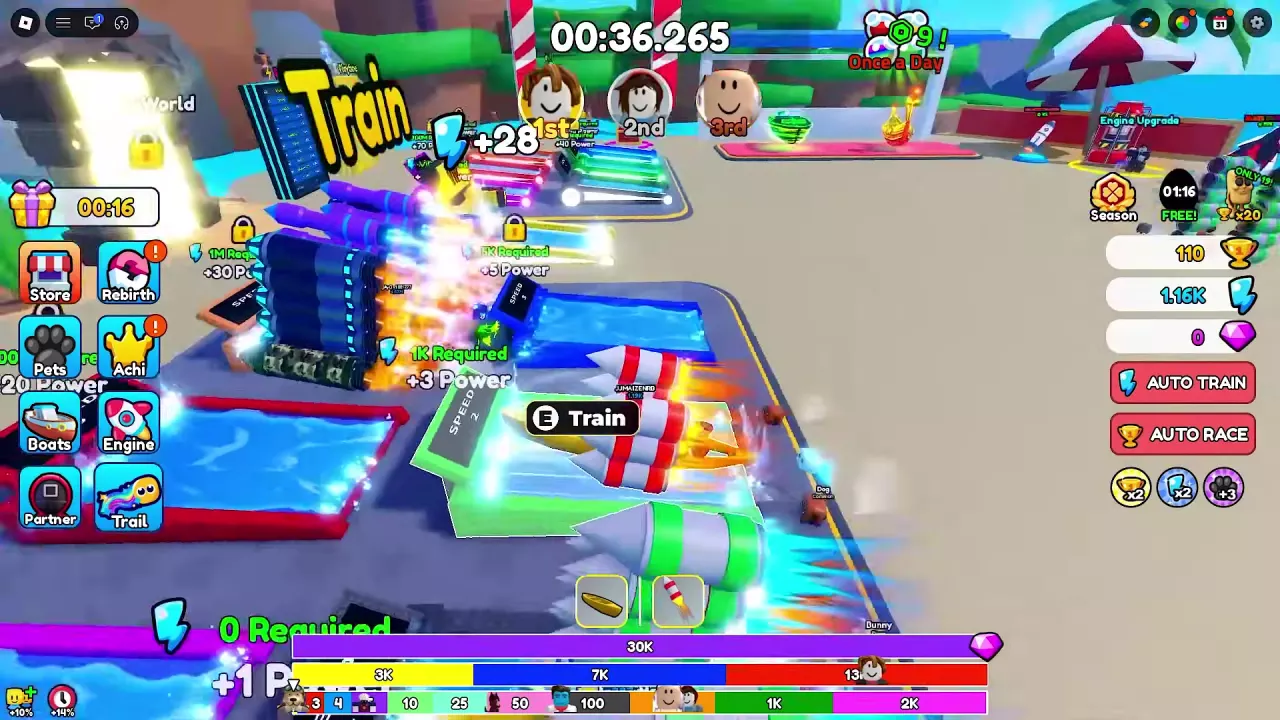
SPEED 2 unlocks at 1,000 Power. Move to the green treadmill and use E / Train, then switch to higher tiers as you meet their requirements. Equip an engine with a Train bonus, use your pets, and claim available Power gifts. For a training estimate, enter your current Power, target, actual gain per increment, and measured time between increments.

Online training estimates from a chosen Power goal and the player's measured gain per increment.
Remaining Power = max(target − current, 0). Increments = ceil(remaining Power ÷ actual Power per increment). Estimated seconds = increments × seconds per increment.
- Gain and timing stay constant during the estimate.
- Actual gain already includes the current setup's bonuses.
- The estimate covers active online training, excluding gifts, travel and equipment changes.
- Default gain and interval values are examples; replace them with your measurements.
Train at the Lobby Treadmills
- Find the training area near Eggs and the Golden Machine in the lobby.
- Approach SPEED 1, which has no Power requirement.
- Use E / Train and remain at the treadmill to build Power.
- Watch the Power total beside the blue lightning icon on the right side of the screen. The floating Power popups show how much you gain with your current setup.
SPEED 1–6 Requirements and Base Gains
Use the requirements below to choose your next training goal. These are Power thresholds, not purchase prices: reaching a requirement unlocks access without spending that amount of Power.
The displayed base gain is Power per training increment, not Power per second. Your actual gain can be higher with your equipped bonuses. Move to the highest tier you qualify for to take advantage of its larger base gain.
-
SPEED 1
- Required Power
- 0 Power
- Displayed base gain
- 1 Power (Treadmill label; not a per-second rate.)
-
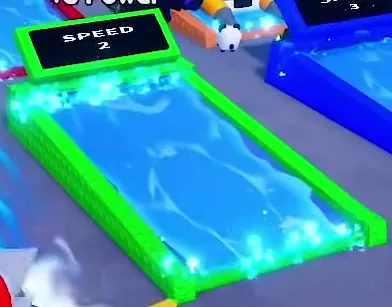
SPEED 2
- Required Power
- 1000 Power (Unlock threshold, not a purchase price.)
- Displayed base gain
- 3 Power (Treadmill label; not a per-second rate.)
-
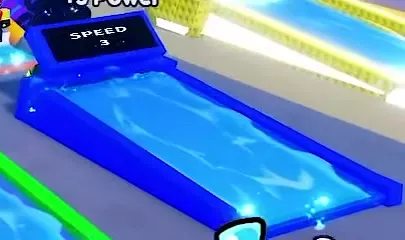
SPEED 3
- Required Power
- 5000 Power
- Displayed base gain
- 5 Power (Treadmill label; not a per-second rate.)
-
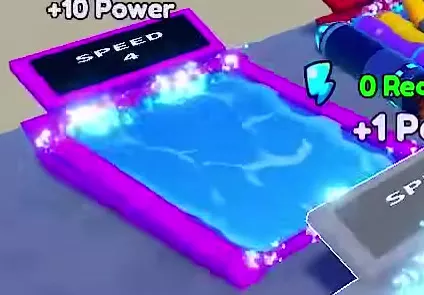
SPEED 4
- Required Power
- 35000 Power
- Displayed base gain
- 10 Power (Treadmill label; not a per-second rate.)
-
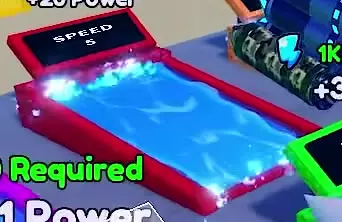
SPEED 5
- Required Power
- 400000 Power
- Displayed base gain
- 20 Power (Treadmill label; not a per-second rate.)
-
SPEED 6
- Required Power
- 1000000 Power
- Displayed base gain
- 30 Power (Treadmill label; not a per-second rate.)
Unlock SPEED 2 and Improve Your Gains
Switch to the green treadmill
- Build up 1,000 Power on SPEED 1 or through claimed Power rewards.
- Look for New Treadmill Unlocked.
- Move to the green SPEED 2 treadmill and use E / Train to continue.
Improve your training setup
- Equip a stronger Train engine. With a 100-Wins budget and Basic Engine equipped, Starter Engine is a useful training purchase: its Level 1 Train bonus is +10%. Levels 2 and 3 raise that to +11% and +12%. At a 500-Wins budget, Standard Jet offers +15% Train on its purchase panel. Make sure the engine is equipped; if the engine slots are full, unequip the old engine before equipping its replacement. See the early engine recommendations for the upgrade-versus-purchase decision.
- Equip your available pets. Dog from the 30-Wins egg is an early option that helps progression. Check the Pets menu rather than leaving a newly hatched pet unused. For equipment choices around a training goal, see the early training build.
- Claim ready Power gifts. Open the gift icon on the left and click CLAIM! on an available reward. Power gifts include 10, 30, 100, and 150 Power, which can close the gap to your next treadmill. Follow the Online Gifts guide for the full reward and claiming details.
- Check Strength I at 1,000 Power. This achievement lists a +5% Train Boost reward. Open Achi, find the completed achievement, and claim it when available. The achievement guide explains the targets and claim controls.
Estimate Training to Your Power Goal
Use the calculator for your next treadmill requirement or another Power target.
- Enter Current Power from your HUD and your Target Power.
- Train with the setup you intend to keep using. Enter the actual Power shown in one gain popup as Actual Power per increment.
- Measure the time across several intervals between consecutive gains. Divide that elapsed time by the number of intervals and enter the average as Seconds per increment.
- Read the remaining Power, training increments, and estimated online training time. The increment count rounds up so the final increment reaches or passes your goal.
Your measured gain already includes your current bonuses, so do not multiply it by engine or pet bonuses again. Replace the calculator's example gain and timing with your own measurements.
The estimate assumes uninterrupted online training at a steady gain and interval. After switching treadmills, changing equipment, or claiming a Power gift, update the inputs: refresh your current Power and remeasure the gain and timing if your training setup changed. For a goal beyond your next unlock, calculate to that unlock first, switch treadmills, then estimate the remaining distance with the new rate.
Locate AUTO TRAIN
Find AUTO TRAIN on the right side of the main game screen, below the currency counters and directly above AUTO RACE.