-
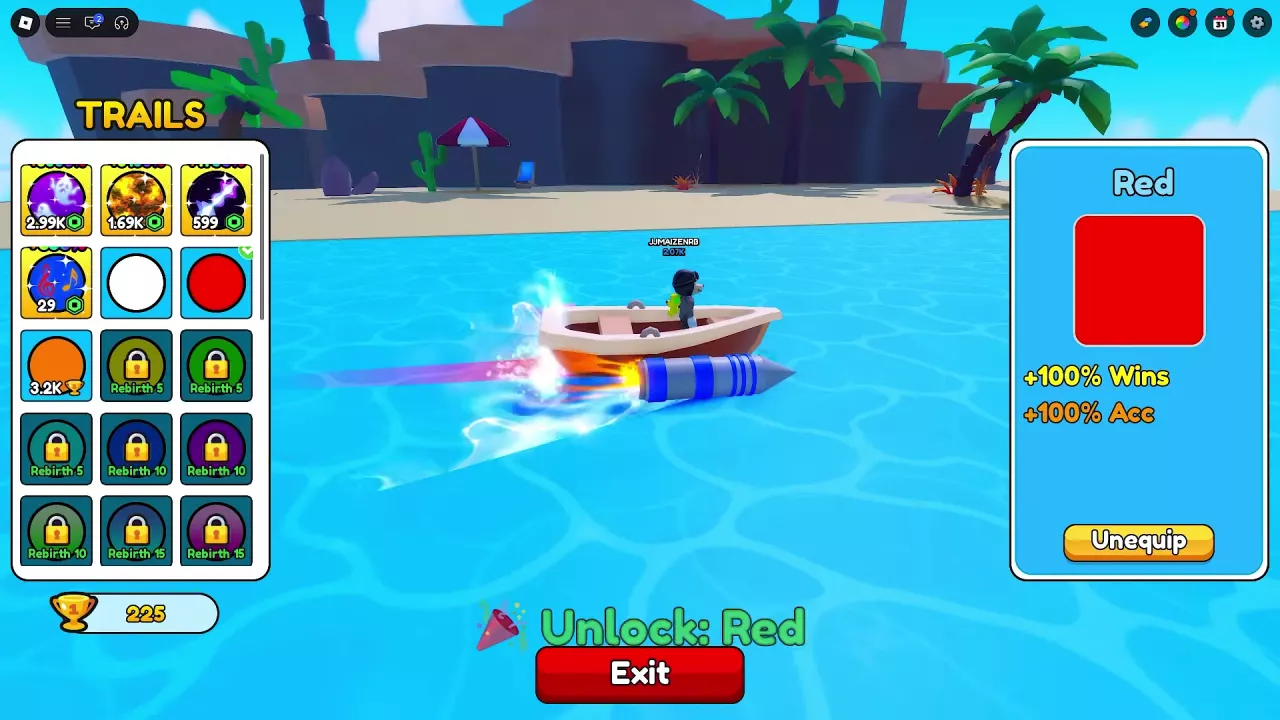
Open Trail using the rainbow icon on the left side of the screen.
-
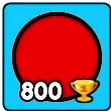
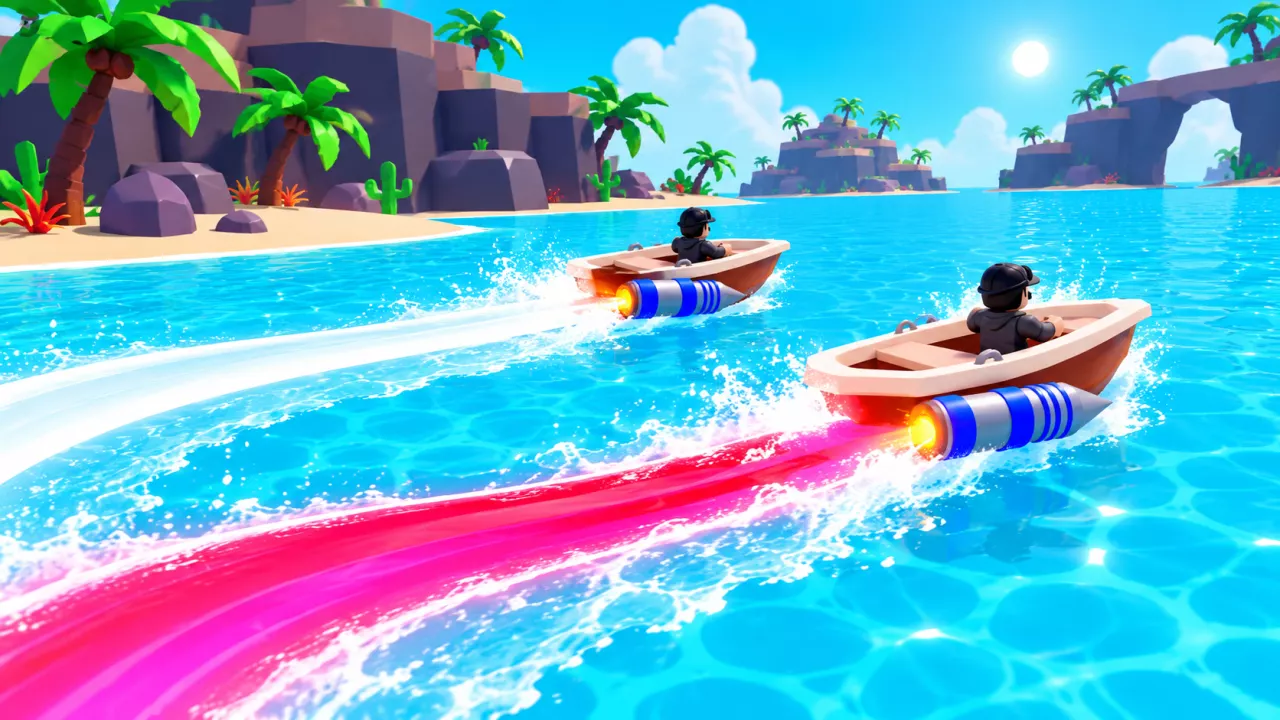
Select a swatch. Check the name, bonuses and price in the detail panel, and look at the ribbon behind the boat to preview its appearance. White produces a white ribbon; Red produces a red-pink ribbon.
-
Buy your chosen trail with enough Wins to cover its price: 200 for White or 800 for Red. Buying either one equips it immediately.
-
Confirm the equipped state. Look for the green check on its swatch and Unequip in its detail panel. An Unlock: White or Unlock: Red message also confirms the purchase.
-
Select Exit at the bottom to close the shop.
Selecting another swatch only changes the preview. For example, when White is equipped, previewing Red leaves White active until you buy Red. After that purchase, the green check moves to Red and its button reads Unequip. Use the equipped trail’s Unequip button when you want to remove it.